Data Sessions
Data Sessions is the run history for DataCrate generation activity. It combines status metrics, lifecycle filters, source filters, search, sorting, and session details.
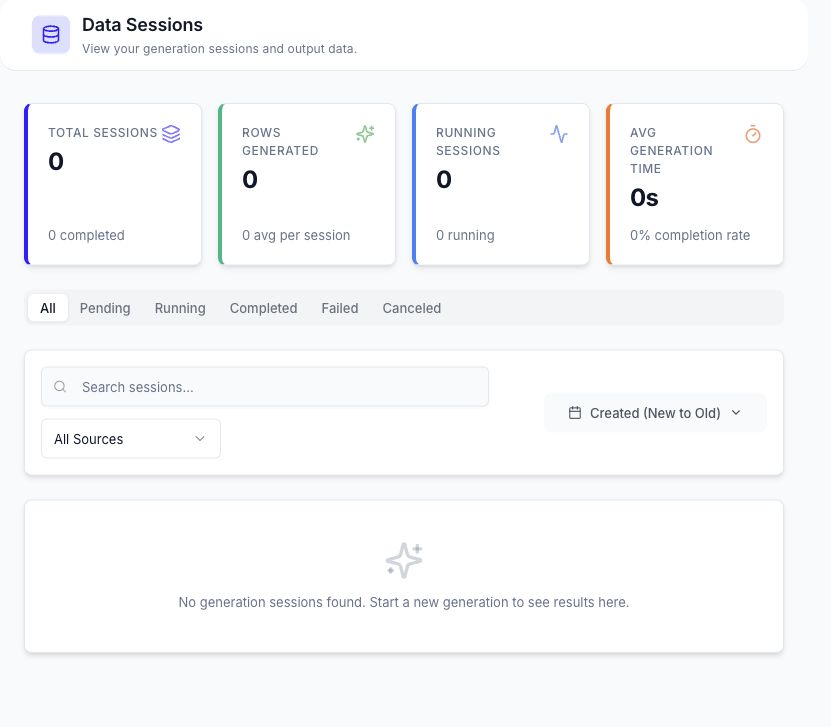
Session Overview
The summary cards report total sessions, generated rows, running sessions, average generation time, and completion information returned by the current workspace.
Use the status tabs to filter sessions by:
- All
- Pending
- Running
- Completed
- Failed
- Canceled
Additional controls can filter by source type, API format, Smart Data source, search text, and sort order.
Open a Session
Select a session to review:
- Current lifecycle and runtime status.
- Source and generation mode.
- Target row count and run owner.
- Output folder and generation configuration.
- Service request details for service-to-table runs.
- Progress, events, and available output artifacts.
- Linked mock services when the run created them.
Session Actions
Available actions depend on session state:
| Action | Availability and result |
|---|---|
| Cancel | Requests cancellation for an active run. |
| Retry | Starts another attempt for a failed run when supported. |
| Load Config | Loads the stored settings so they can be reviewed and submitted as a new run. |
| Preview | Opens a supported generated artifact. |
| Download | Downloads an available output file. |
| Delete | Permanently removes the selected session after confirmation. |
Loading a configuration does not make the historical run active again. It prepares a new generation request using saved settings.
Artifact buttons appear only when the runtime has produced and registered a supported output. A completed status does not guarantee that every optional preview action is available.
Continue Working
- Start a new run from Smart Data Generation.
- Find saved output in the Data Repository.
